

Every skill has a name, a Skill Description, and tags. These three fields are what make a skill findable and reusable — a skill is created once and used across all your future projects, so it pays to fill them in well.
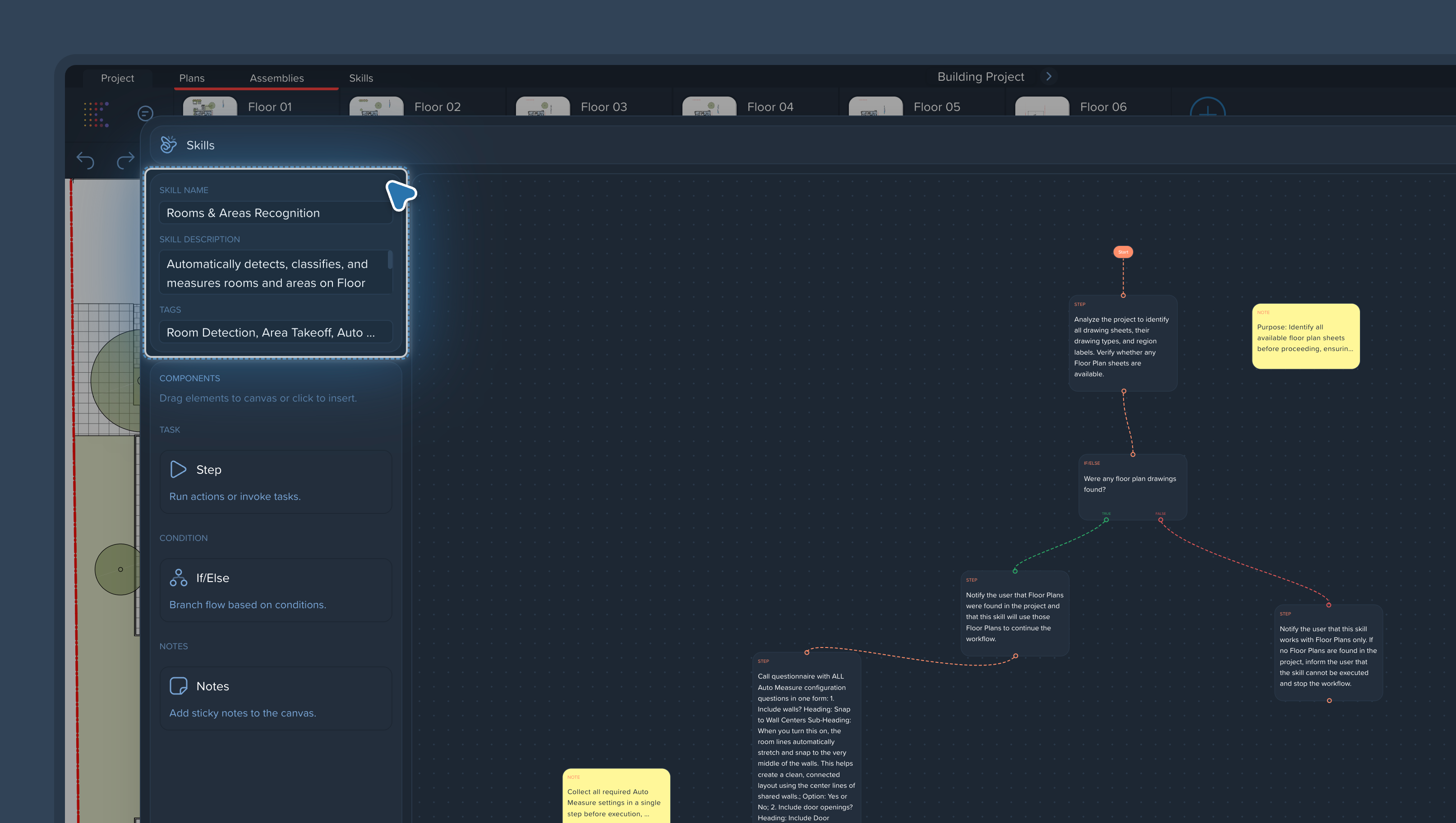
Name
Give the skill a name that says what it does, not how it works. Good examples:
Rooms & Areas Recognition
Classify Texture
Floor Plan Report
A teammate should be able to tell from the name alone whether this is the skill they need.
Skill Description
The description is where you add the detail that doesn't fit in the name:
What the skill does, step by step, in one or two sentences.
What input it expects (for example: a project with floor plan pages).
What it produces (for example: measurements grouped and renamed by texture).
Tags
Tags are entered comma-separated and used for search and filtering. Tag by:
Process — takeoff, classification, reporting.
Object — floor plans, measurements, rooms.
Team or trade — if different teams keep their own skills.
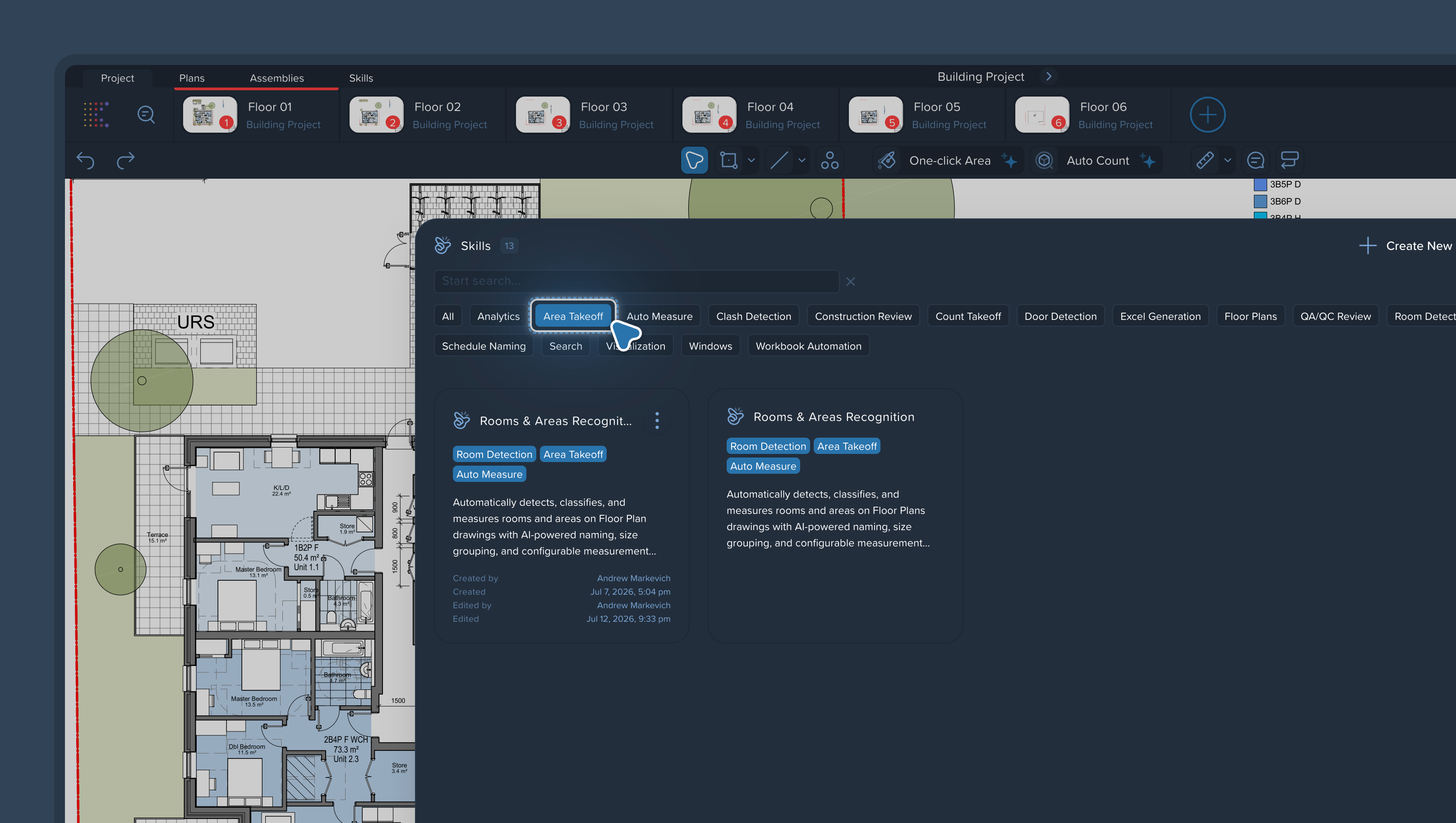
Why this matters
Once your team has more than a handful of skills — and that happens fast — search is the only way to find the right one. Consistent names and tags mean the right skill is found in seconds, and nobody rebuilds a workflow that already exists.