This article walks you through creating a skill from scratch. For an introduction to what skills are, see What Are Skills? An Overview.
Pick a simple process you repeat often — three to five steps is a good size for a first skill. For example: find all pages with floor plans and prepare them for work. You can build longer workflows later.
There are two ways to create a skill:
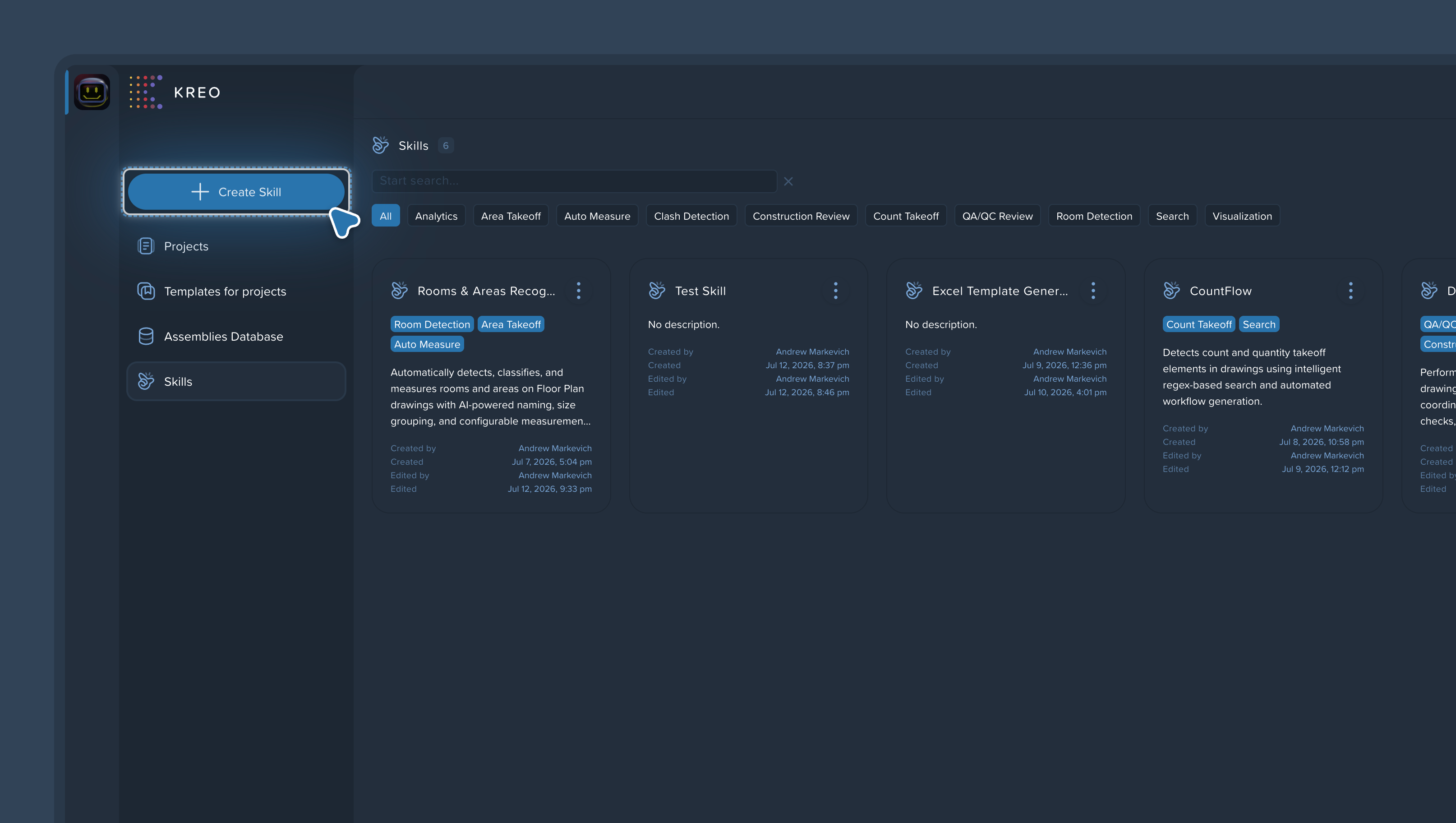
Go to the Skills page and click Create Skill, or
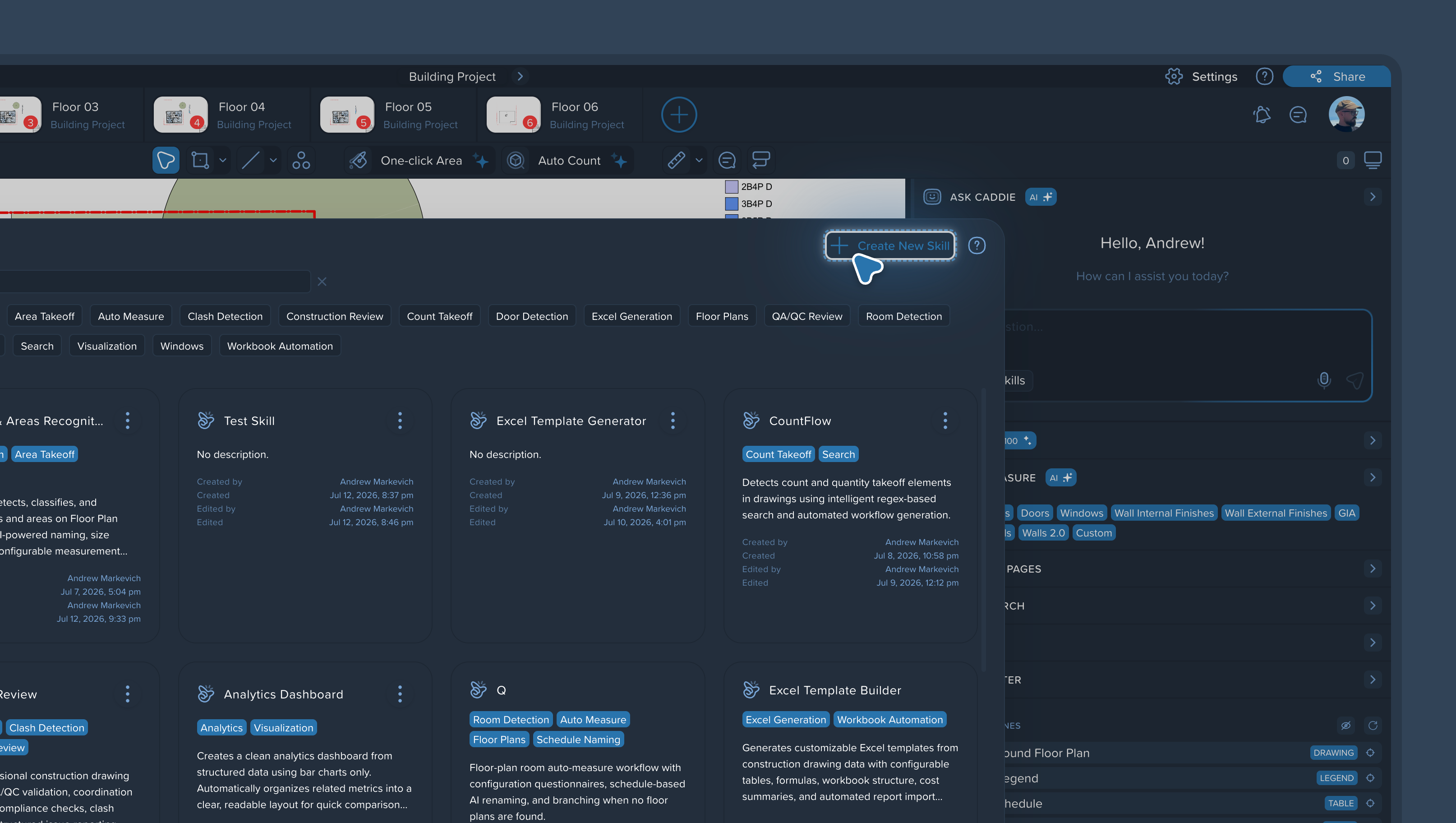
Open any project, go to the Skills section, and click Create Skill.
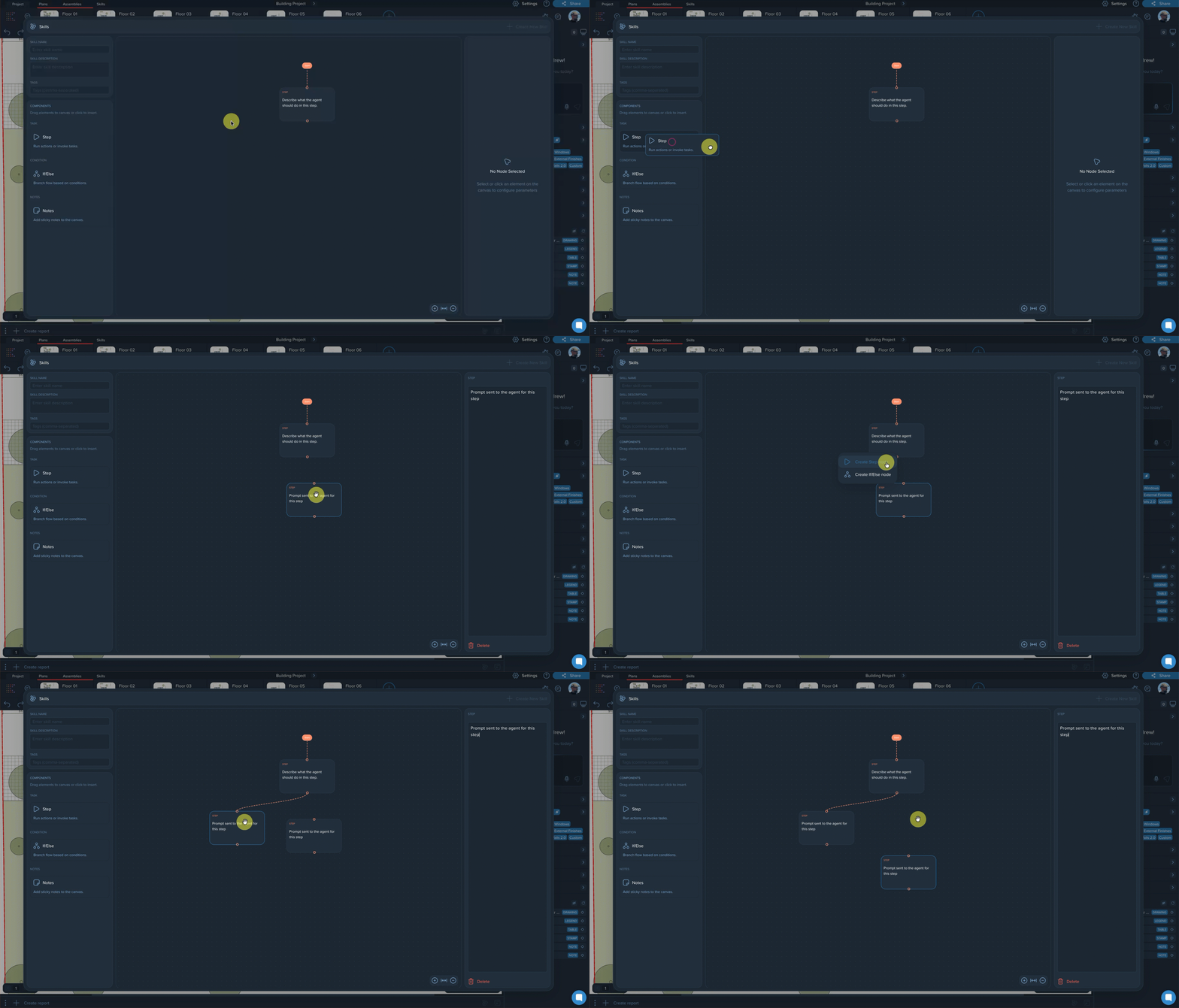
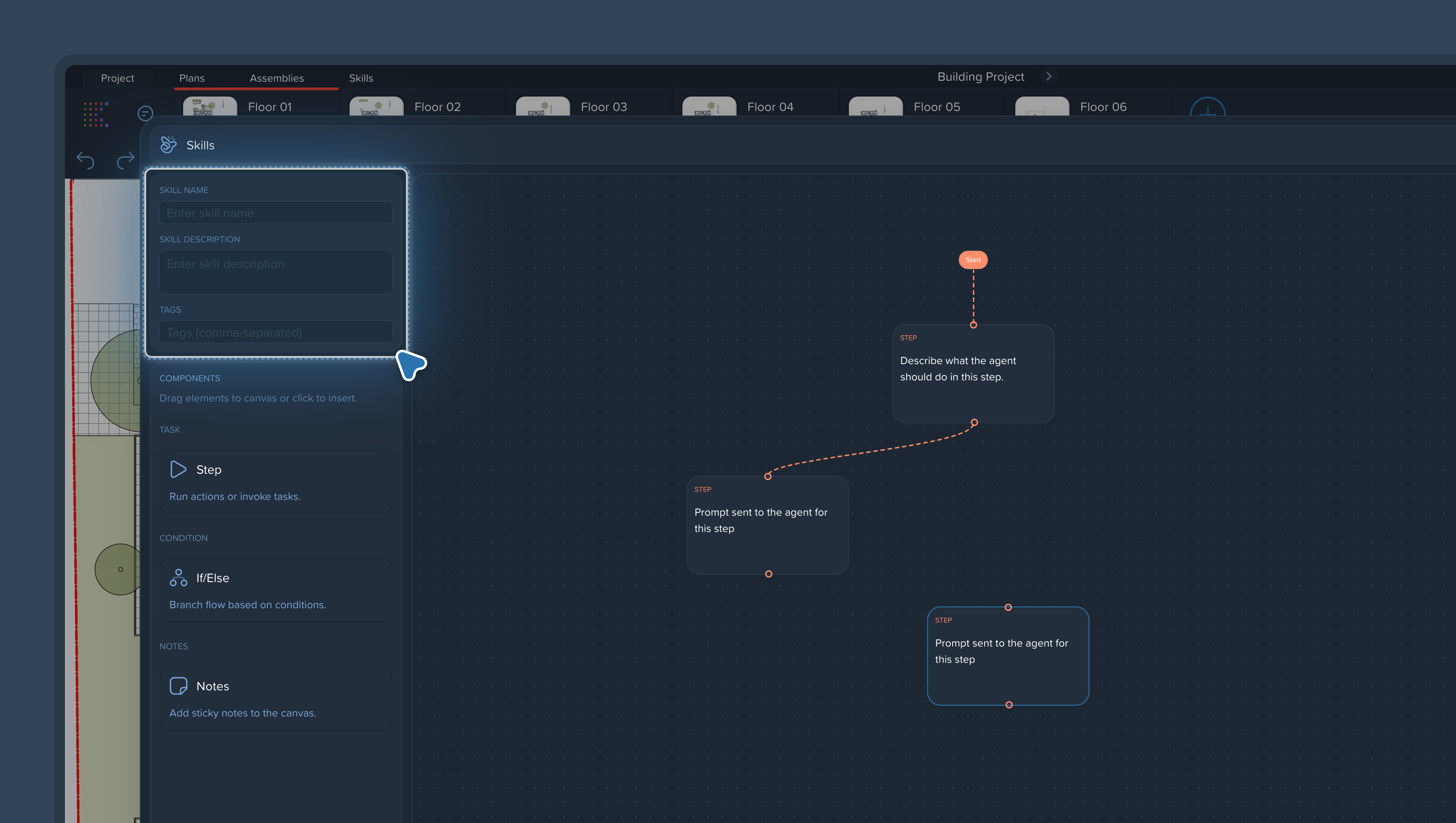
Add your steps one by one. Each step is one task written in plain text — no programming needed. You can write in business language or technical language, whichever suits you.
Examples of steps:
"Find all pages that contain floor plans"
"Analyze my measurements"
"Create a report"
Keep each step to a single task: one action — one step. See Skill Steps: How to Describe Tasks for details.
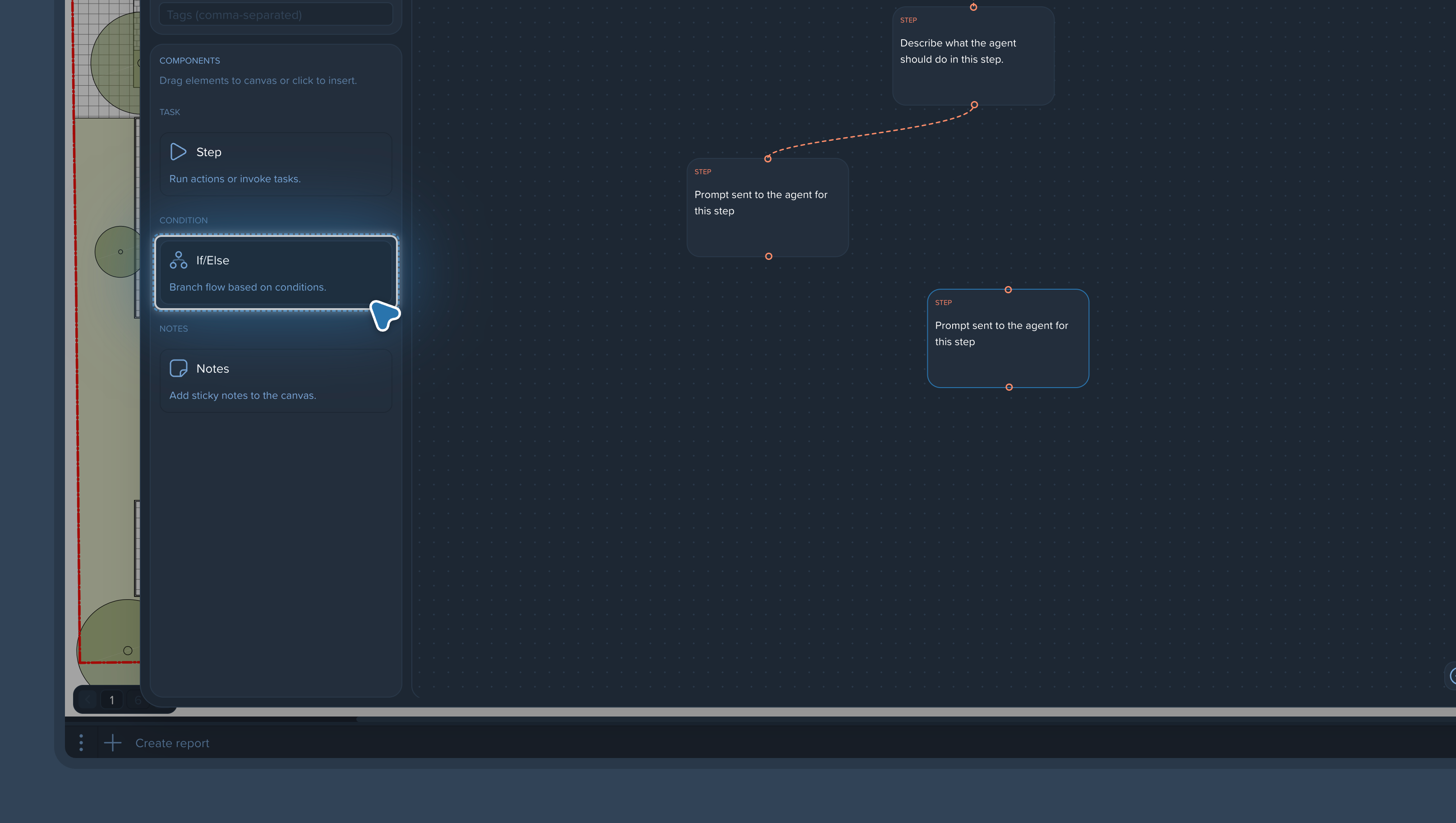
Where a mistake would cost the most, add an If/Else control point: the agent will check the result of a step before moving on, and send it back for a redo if something is off. See Using If/Else Branching for Quality Control.
Give the skill a name, a Skill Description, and tags (comma-separated). This makes it easy to find and reuse in future projects. See Naming, Describing, and Tagging Skills.
Launch the skill on a real page in your project and review the output. If a step produces an unstable result, tighten its wording and run again. A couple of iterations is normal — see Writing Effective Skill Instructions: Best Practices.