

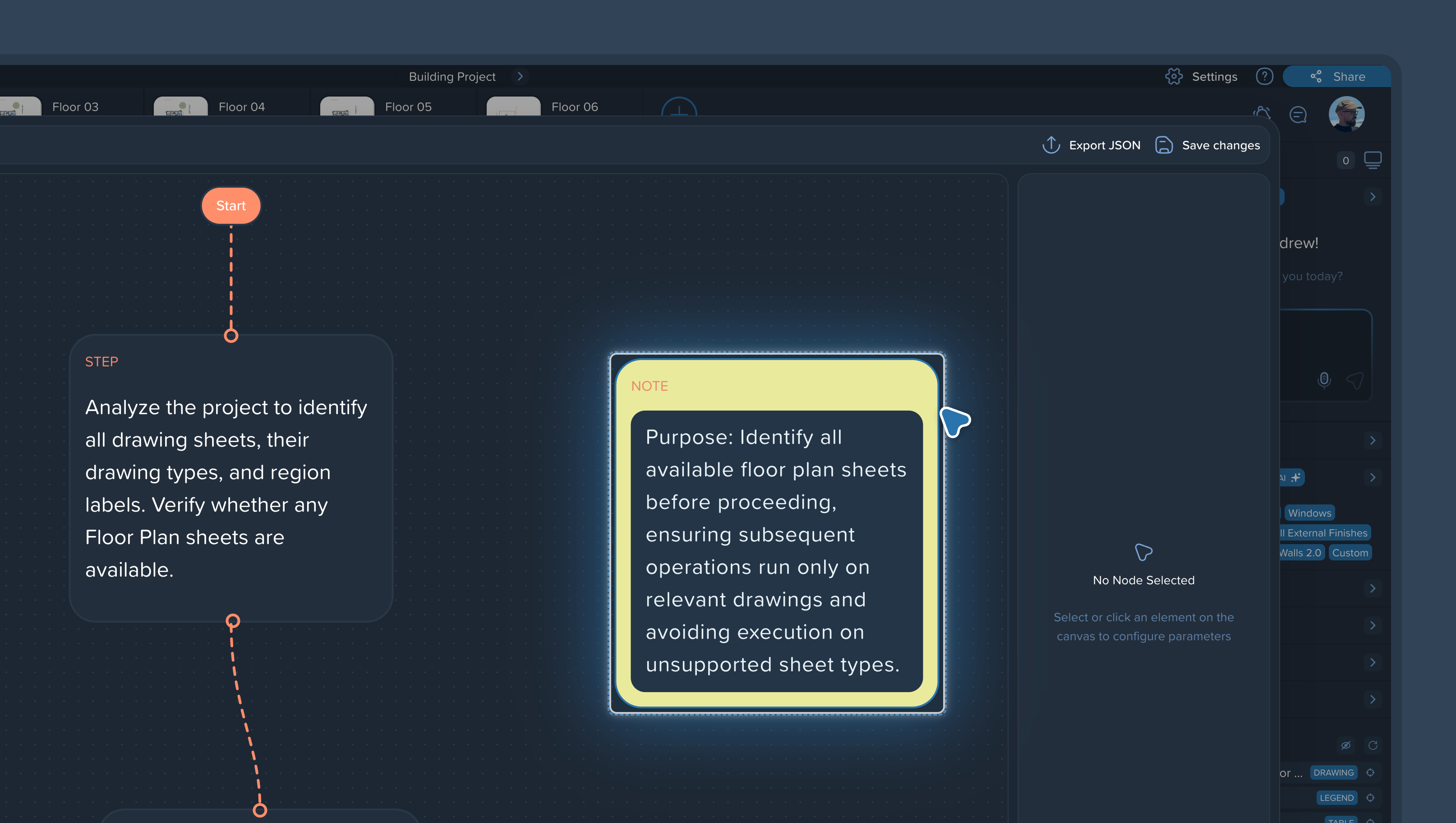
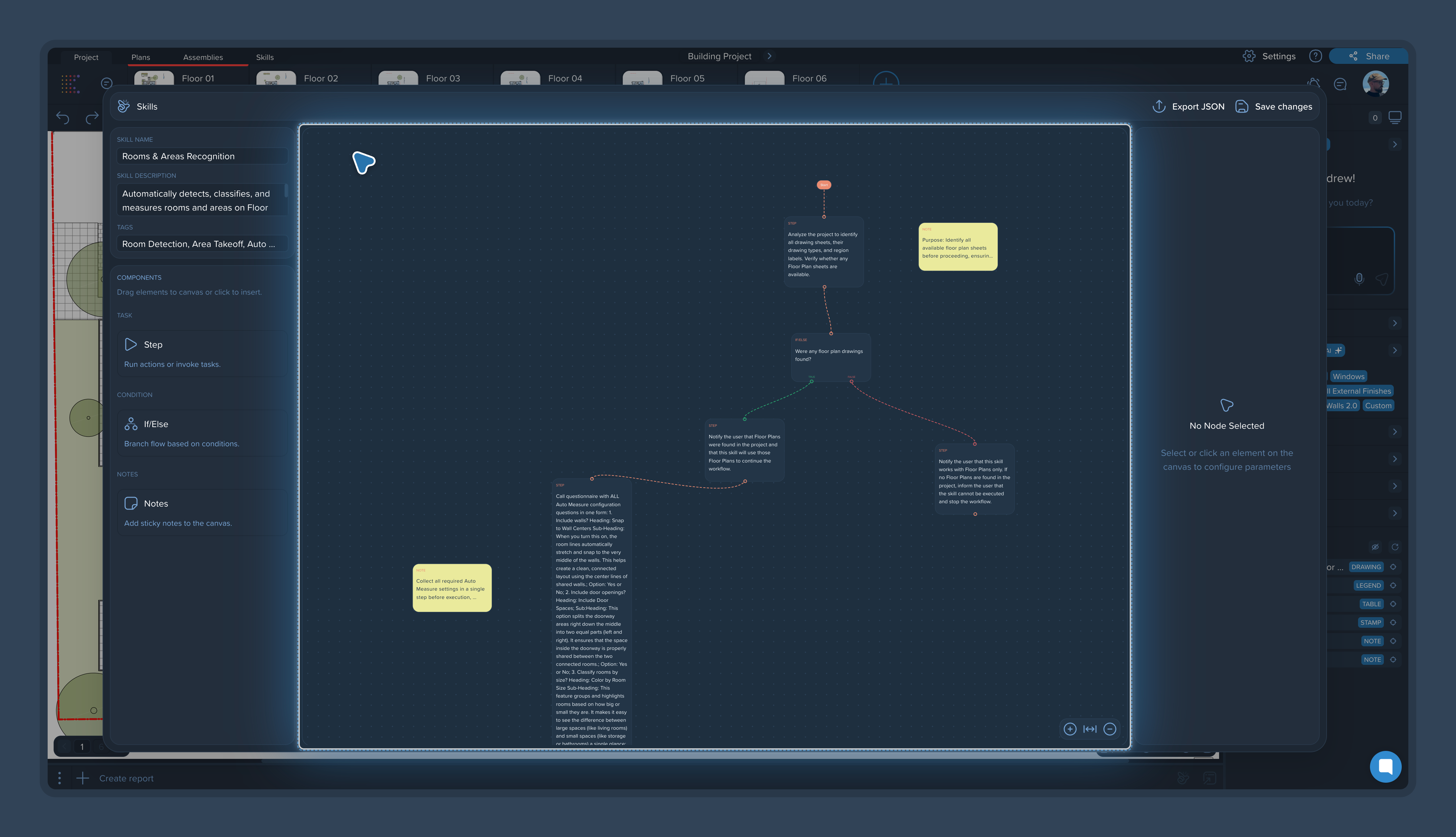
Notes are comments that live directly inside a skill. They keep the context next to the steps, so anyone on the team can open the skill and immediately understand what's going on — no side conversations or verbal agreements that get forgotten.
What to use notes for
Explain a step. Why it's worded this way, what it's supposed to produce, what to watch out for.
Leave requests for teammates. What still needs to be checked, refined, or finished.
Record decisions. Agreements about naming rules, report structure, or process order — right where they apply, instead of in a chat thread.
How notes help teamwork
When several people work on the same skill, notes act as the shared memory of the workflow:
A colleague opens the skill and sees the full context without asking around.
A new team member can understand and run an established workflow on their own.
When the skill is refined later, the reasoning behind each step is still there.
Tips
Keep notes short and attached to the step they concern.
When you change a step's wording, update its note — an outdated note is worse than none.
Use notes to flag steps that need validation on first runs: "check the output of this step on a couple of pages before trusting it."