

Skills are meant to be refined. The first version rarely behaves perfectly — and that's expected. This article covers how to iterate on a skill until it runs predictably.
Opening a skill for editing
Go to the Skills page (or the Skills section of a project), find the skill, and open it. All components are editable: steps, If/Else conditions, notes, name, description, and tags.
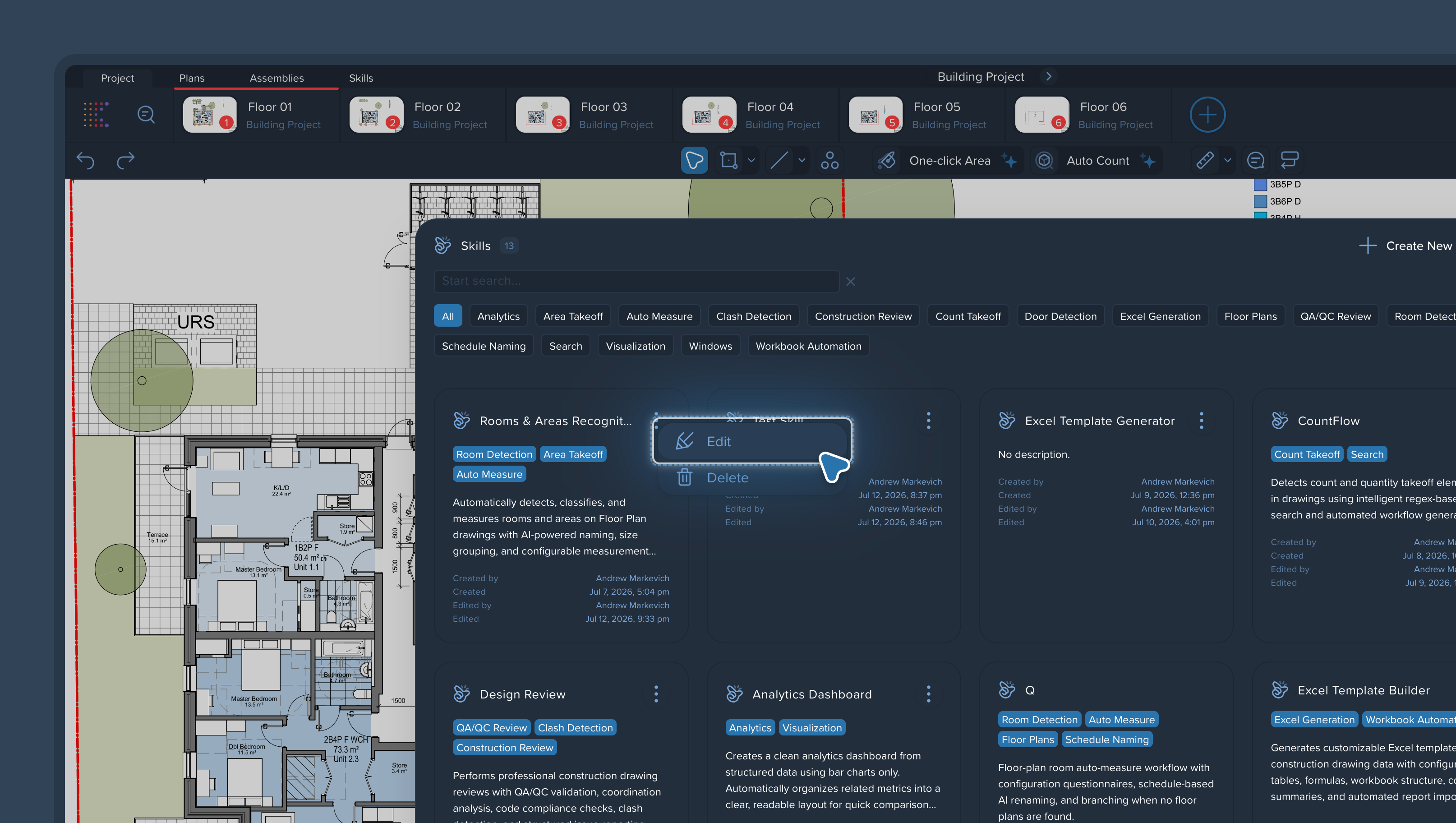
The improvement loop
Run the skill on a real page in a project.
Check the output. Which parts are correct? Which drift from run to run?
Locate the problem step. An unstable result almost always traces back to one specific step, not the whole skill.
Tighten the wording of that step. Make it more specific: name the exact objects, pages, or measurement groups. See Writing Effective Skill Instructions: Best Practices.
Run again. Repeat until the result is stable.
When to add an If/Else check
If a step behaves correctly most of the time but occasionally slips, don't fight it with wording alone — add an If/Else check after it. The agent will verify the result and redo the step when needed. See Using If/Else Branching for Quality Control.
Keep the team in sync
When you change a skill others use:
Update the notes on the steps you changed, so teammates see why. See Adding Notes to Skills for Team Collaboration.
Update the Skill Description if the skill's behavior or output changed.
Growing a skill
Once individual parts of a workflow run reliably, you can combine them into one larger skill — up to a full cost estimator's workflow, from page search to the final report. Build big skills from proven parts, not from scratch.