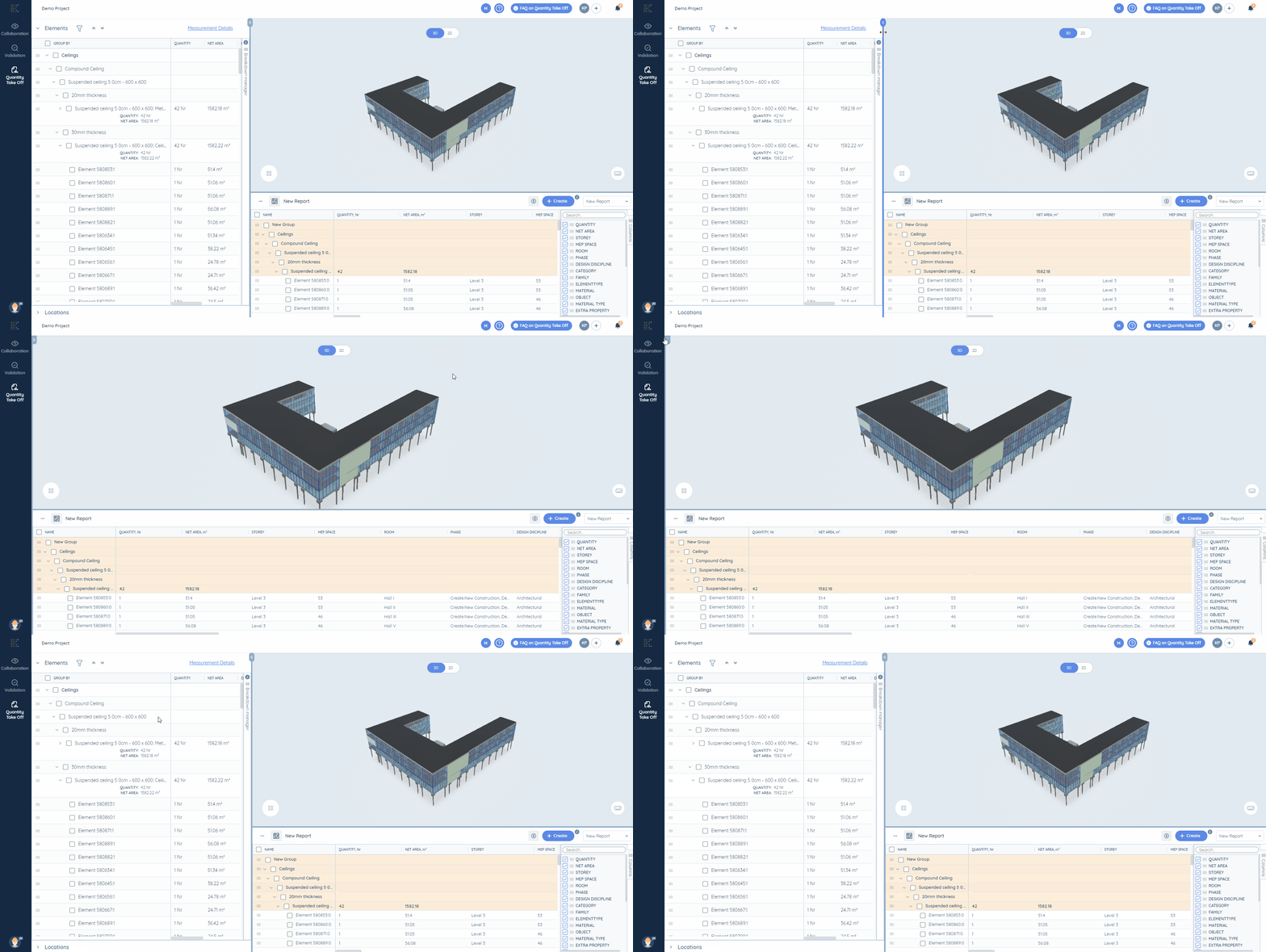
All collections›BIM Takeoff›Breakdown TableHow to hide the panel unused at the moment in Kreo BIM TakeoffCopy pageCopy page as MarkdownFor pasting into ChatGPT, Claude or your editorView as MarkdownPlain text of this article (.md)Open in ChatGPTAsk questions about this pageOpen in ClaudeAsk questions about this pageOpen in PerplexityAsk questions about this pageAdd to CursorConnect this help center as an MCP serverMake your working process more comfortable by hiding the Breakdown Table.Use a special button for this purpose:You can hide only the Breakdown Table now.Did this answer your question?← PreviousBase Extractors DescriptionNext →How to work with the filters for columnsWritten by Andrew MarkevichUpdated October 15, 2026