

Once a skill is created, launching it takes a couple of clicks. This article covers how to run a skill and what to expect during a run.
How to launch
Open the project you want to work in.
Click Skill.
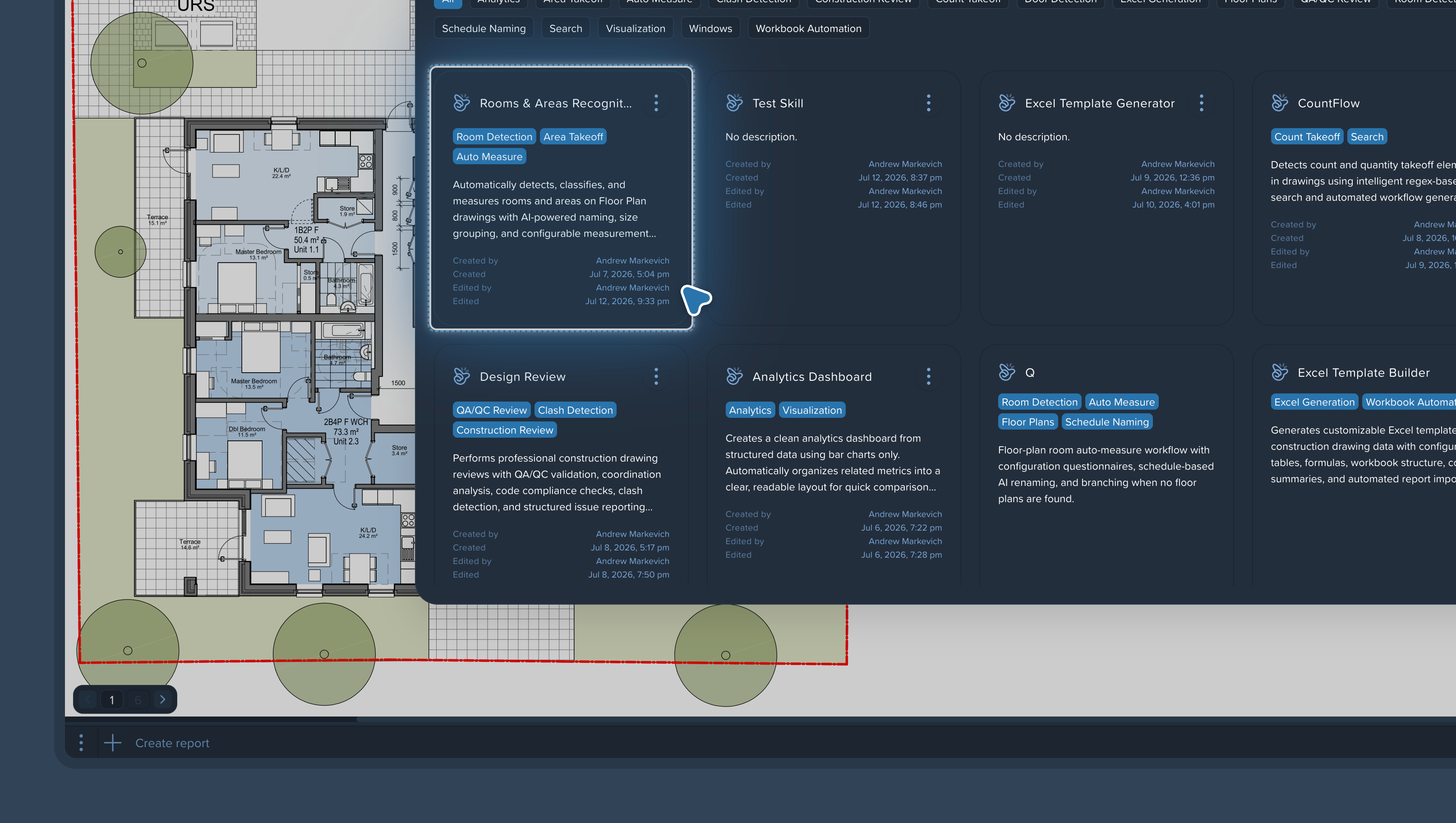
Pick the skill from the list and launch it.
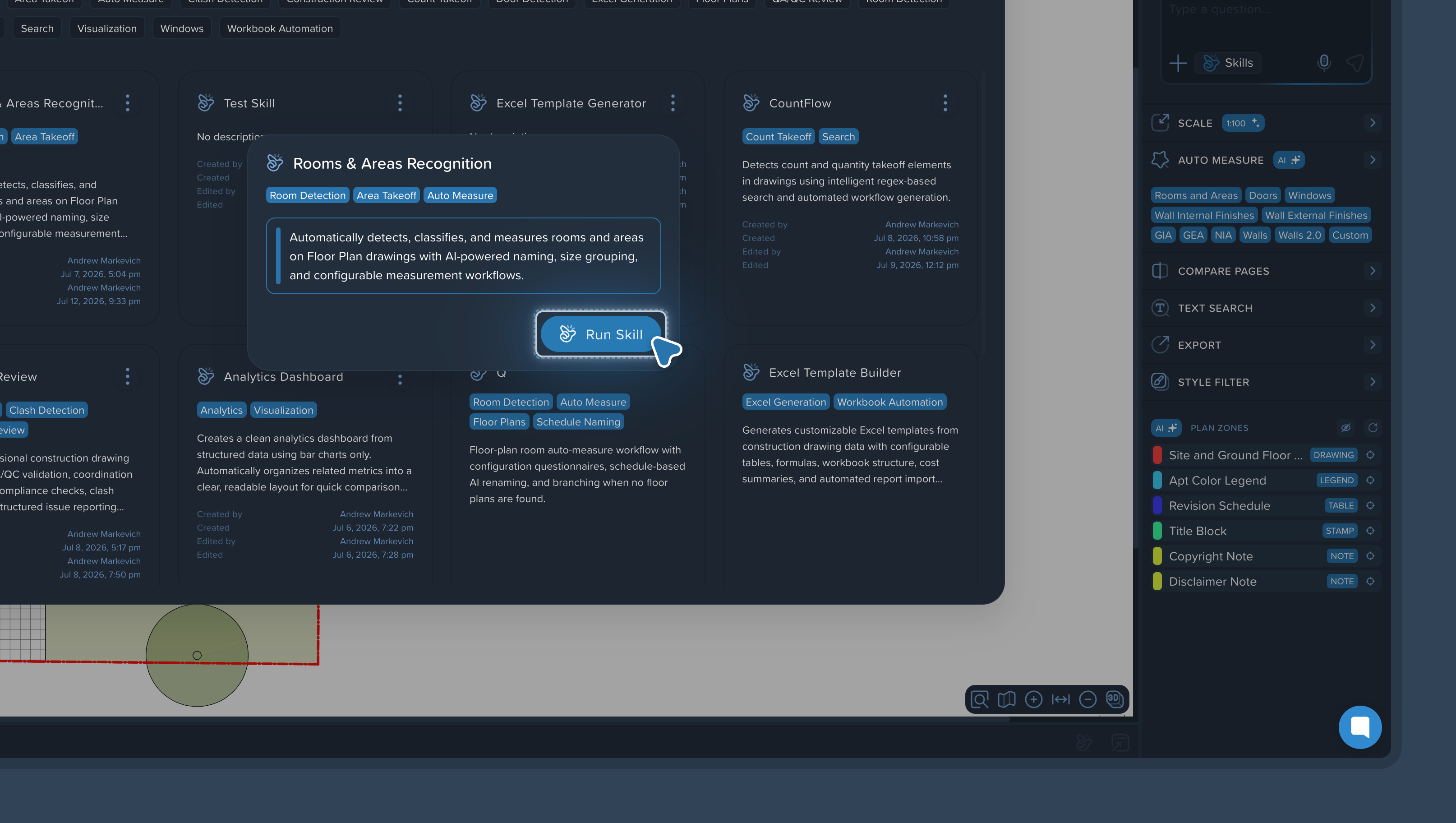
What happens during a run
The agent follows the skill's instruction step by step. Along the way it may need your input — it figures out what questions to ask on its own and guides you through the process. You answer — it works. You don't need to supervise every step; the agent handles the workflow and comes to you only when a decision is yours to make.
If the skill includes If/Else control points, the agent checks results as it goes and redoes steps that fail the check — see Using If/Else Branching for Quality Control.
When the run finishes
Review the output — especially on the first few runs of a new skill. If a result looks off, find the step where it drifted and tighten its wording; see Editing and Improving an Existing Skill. A well-tuned skill performs predictably run after run.