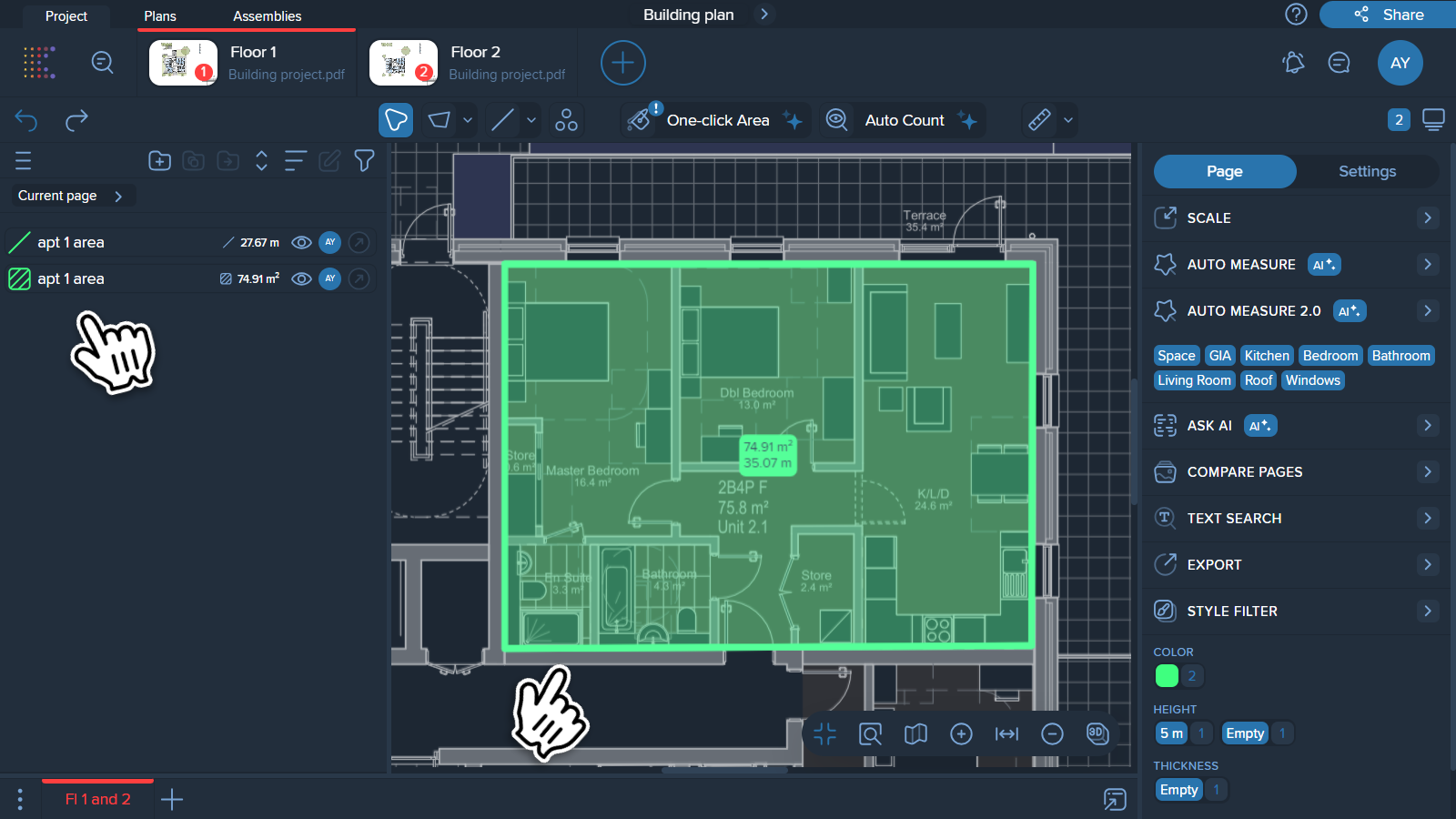

1. Choose a polyline with a minimum of 3 points (with the Polyline or Wand tool).
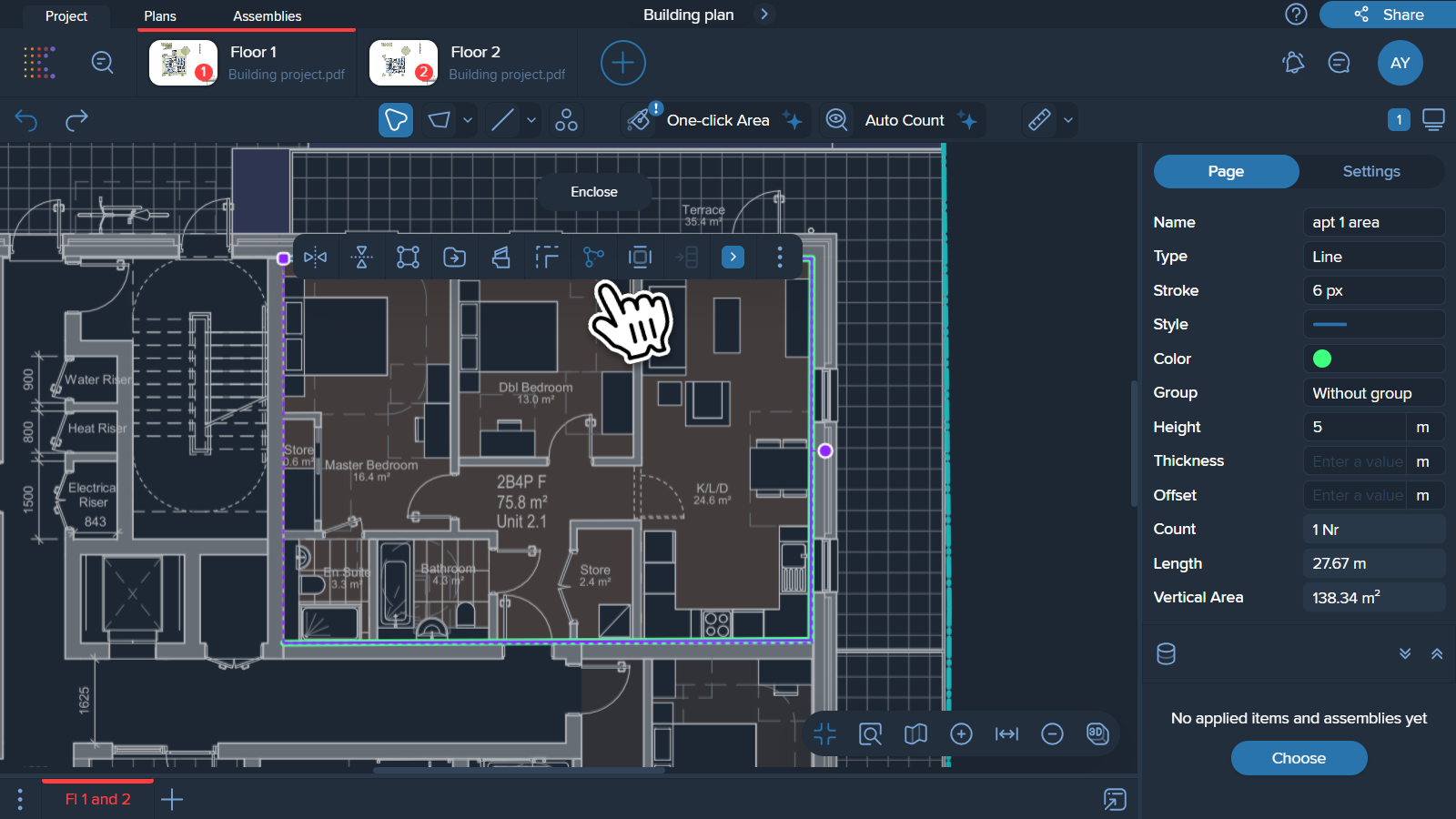
2. Click on the created polyline and select the ‘Enclose’ icon.
3. After this, you'll see both the original polyline and the enclosed polygon in your Measurement manager.