

Steps are the basic building block of a skill. Each step is one task described in plain text, and the agent executes them in order, one after another.
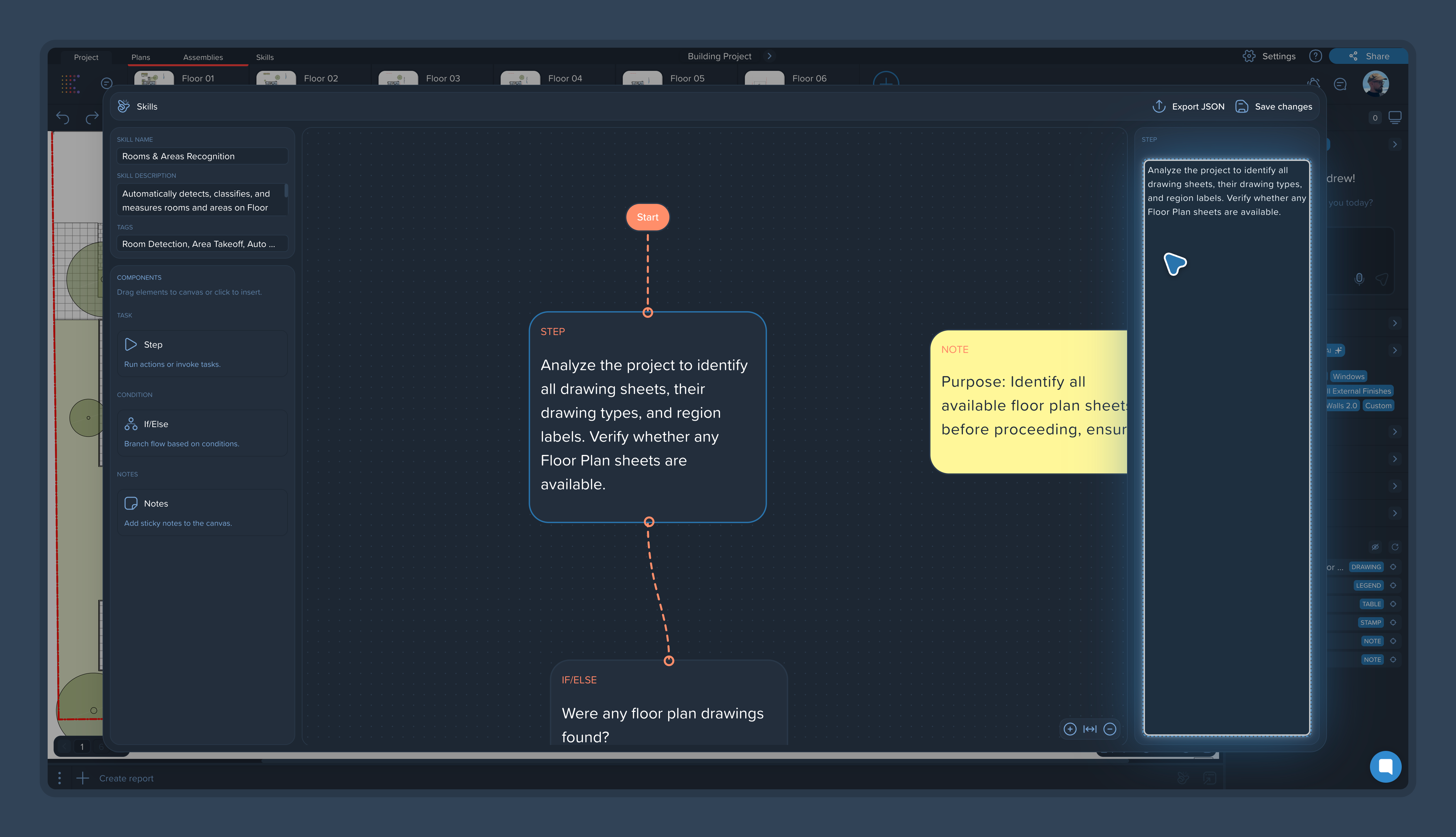
What a step can do
A step can describe anything you do in Kreo by hand:
Search: "Find all pages that contain floor plans."
Extract and process data: "Pull the room names from these pages."
Work with measurements: "Classify my measurements by texture," "Group the measurements and rename them by my naming rules."
Build reports: "Create a report from the results."
One step — one task
The most important rule: each step should describe a single action. Instead of one step saying "find the floor plans, take measurements, and build a report," write three steps. Short, focused steps are easier for the agent to execute reliably — and easier for you to debug when a result looks off.
Write in the language that suits you
Steps can be written in business language or in more technical language. Both work. What matters is that the wording is specific and unambiguous:
Specific: "Open all pages that contain floor plans." The agent executes this the same way every time.
Vague: "Open all pages where people live." The agent may interpret this differently from run to run.
Call things what they're called in the product — floor plans, measurements, pages — so the agent doesn't have to guess. For more on this, see [Writing Effective Skill Instructions: Best Practices].
Steps that need your input
Some steps involve decisions only you can make. When the agent reaches such a point during a run, it asks you a question and continues once you answer. You don't need to script the questions — the agent determines what to ask based on the instruction.